
PHP2Shell: what to do now with your WordPress or Laravel site

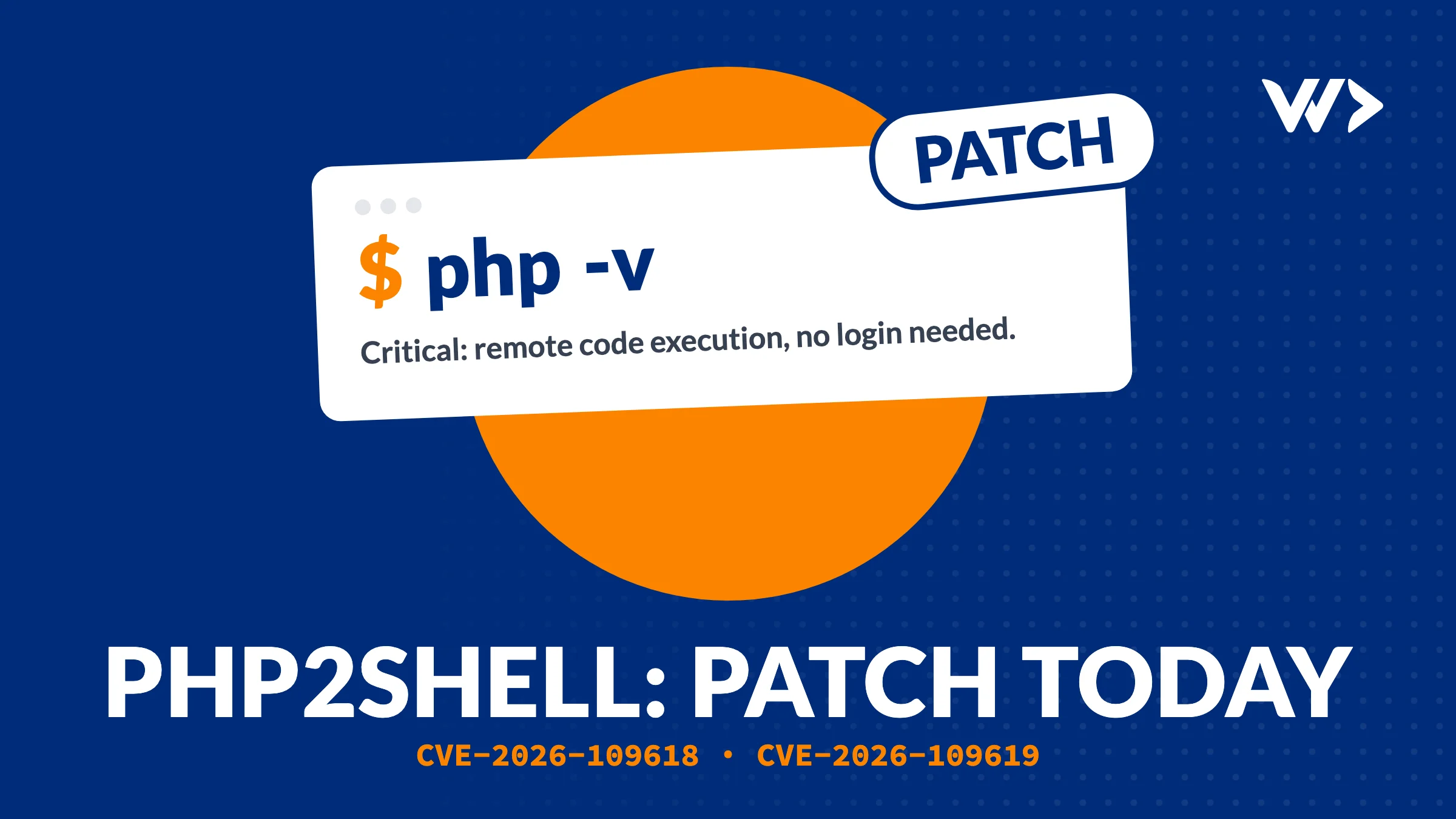
Updated 21 October 2026, 14:30 UTC: the fix is out. Update to PHP 8.2.35, 8.3.36, 8.4.27 or 8.5.12. Commands are in step 3.
Two critical security bugs in PHP leaked on 20 October, before a fix was ready. They are called PHP2Shell and tracked as CVE-2026-109618 and CVE-2026-109619. PHP's own security team rates them 9.2 out of 10. An attacker can send one crafted request to your website and run their own code on your server, without a password. Attacks have already started. In the Netherlands, the House of Representatives, the National Cyber Security Centre and Tweakers took their sites offline as a precaution.
If your website runs on PHP, this is about you. That includes almost every WordPress and WooCommerce site, every Laravel app, and Magento, Shopware and Drupal. Here is what to do, in order.
No time, or no developer at hand? We patch your server today: update PHP, close what shouldn't be open, check for a break-in and send you a short report. Get emergency help →
What is going on, in plain words
The bugs are in PHP itself, in how it handles a web request: one is triggered when PHP runs out of memory while it is still reading a request, the other when data from one request survives into the next. Both happen before your website's own code runs, which is why updating WordPress or plugins does not help. Every setup that serves web pages is affected: mod_php (the highest risk), PHP-FPM, php-cgi, FrankenPHP and LiteSpeed. PHP only supports 8.2 and newer; for 8.1 and older the PHP team published backport patches, not new releases.
| Your situation | What to do | How urgent |
|---|---|---|
| Shared or managed hosting (most WordPress sites) | Check your host's status page; ask when they patch and which PHP version you run | Today |
| Your own server, VPS or cloud instance | Install the PHP update as soon as it is out; protect the server until then (see below) | Today |
| Docker or container setup | Rebuild the image on the patched PHP base image and redeploy | Today |
| PHP 8.1 or older | Upgrade to PHP 8.2 or newer; keep the site locked down until then | Today, and plan the upgrade |
| Webshop or site with customer data that you can't patch today | Put it in maintenance mode or allow only page views (GET requests) | Now |
Step 1: make a backup now
Make a full backup of your files and database, and store it somewhere other than the server itself. If something goes wrong in the next hours, a clean backup from before is the fastest way back.
Step 2: protect the server until the fix is installed
None of these fix the bug, but they make an attack harder:
- Apply PHP's interim settings. In
php.inior your FPM pool (not in.user.inior withini_set()) setsession.upload_progress.enabled = 0,memory_limit = -1,post_max_size = 8M(32M if you need uploads) andupload_max_filesize = 4M. On PHP 8.5 also setfatal_error_backtraces = 0. Then restart PHP-FPM or your web server. PHP itself says these reduce the risk but do not make a server safe. - Close the back door. If you use Cloudflare or another CDN, let your server accept traffic only from that CDN's IP ranges. Their firewall rules only help when attackers can't reach your server directly.
- Block uploads where you don't need them. Rejecting
multipart/form-datarequests in nginx or Apache stops this attack, but also breaks file uploads and some forms and checkouts. Test first. - Take high-risk sites offline. For a webshop or a site with customer data that you can't patch today, a maintenance page is safer than staying online. You can also allow only GET and HEAD requests so pages still load.
Don't install unofficial "fix" plugins or paste snippets from forums. They can make things worse.
Step 3: install the PHP update
The fixed versions are out since 21 October 2026:
| You run | Update to at least |
|---|---|
| PHP 8.5 | 8.5.12 |
| PHP 8.4 | 8.4.27 |
| PHP 8.3 | 8.3.36 |
| PHP 8.2 | 8.2.35 (support ends 31 December 2026, so plan an upgrade) |
| PHP 8.1 or older | No new release: upgrade to 8.2 or newer, or ask your vendor for a backported package |
- Ubuntu or Debian:
sudo apt update && sudo apt upgrade, thensudo systemctl restart php8.3-fpm(use your version) orsudo systemctl restart apache2for mod_php. Distributions backport the fix into their own package versions, so the number may differ: check your distribution's security notice instead ofphp -v. On the ondrej/sury repository the version numbers match the table. - RHEL, AlmaLinux or Rocky:
sudo dnf upgrade 'php*', then restart PHP-FPM or Apache. - Docker: rebuild with the latest official image, for example
docker build --pull .onphp:8.4-fpm, and redeploy every container. - Managed or shared hosting: your host installs it. Ask them to confirm the date and the version, and check that your site runs on 8.2 or newer.
Restart all PHP workers after updating: old workers keep running the vulnerable code. Then check with php -v on the command line and with a phpinfo() page that you delete straight after.
Step 4: check whether someone got in
The bugs were public from 20 October, so a server that was online and unpatched may already have been hit. After patching, check:
- New or changed
.phpfiles in upload folders:wp-content/uploadsfor WordPress,storage/andpublic/for Laravel. - Admin users you don't recognise, in WordPress or in your hosting panel.
- New cron jobs or scheduled tasks.
- WordPress core files that changed recently, and redirects to sites you don't know.
Found something? Don't just delete the strange files. Restore a clean backup from before 20 October, patch, and change every password: admin, hosting, database, SFTP and API keys. If you use UpdraftCentral, also remove its dashboard keys: attackers are using leaked keys to plant backdoors, a separate problem that is active right now.
What we found on a server we look after
On 21 October we patched a client's Laravel platform that runs in Docker on PHP 8.2, on a single cloud server. Updating PHP should have been one rebuild. It took three fixes first, and each one is common:
- The official Docker image was not ready yet. PHP had released 8.2.35, but the
php:8.2-fpmimage on Docker Hub still had the old version. Rather than wait, we built the base image ourselves from the official Dockerfile source with the new release, and then built the app on top of it. - The disk was 100% full. The first rebuild failed because there was no space left. A full disk also stops logs, uploads and database writes, so it was a problem waiting to happen anyway. We doubled it from 15 to 30 GB.
- More than the website was open to the internet. Besides ports 80 and 443, the firewall let anyone reach SSH, the app's own port, Redis and the database port. During an attack like this, every open port is another way in. We closed all of them except 80 and 443; admin access is now opened for one IP address at a time, only when needed.
The platform ran PHP 8.2.35 the same day. Because PHP 8.2 support ends on 31 December 2026, its image moves to a newer PHP version before then. If your site runs in Docker, check the same three things: is the base image really on the patched version (docker run --rm your-image php -v), is there disk space for a rebuild, and which ports are open.
After this week
- Keep PHP on a supported version (8.2 or newer) and update it as part of normal maintenance, not only during a crisis.
- Make sure your server only accepts web traffic on ports 80 and 443. Databases and admin ports should never be open to the whole internet.
- Keep daily backups outside your hosting account, and test a restore once.
- Write down who hosts your site, which PHP version it runs and who can log in. This week showed how much time that saves.
Need help today?
Send us your website address and we start today. A senior developer checks which PHP version your site runs, installs the fix or locks the site down until it can be patched, and checks for a break-in. You get a short report of what we found and what we changed. Hosting provider, agency or own server: we work with what you have.
Get emergency help → or contact us.
Running an agency? We also patch under your name, under NDA. Until 31 December: buy 2 strip cards, get 1 free. See the agency offer →
Sources: Sansec, Patchstack, CERT-EU via The Next Web, NL Times.
Frequently asked questions
Is my WordPress site affected by PHP2Shell?
Most likely, yes. The bugs are in PHP, not in WordPress, so any WordPress site on an unpatched PHP version is exposed. Updating WordPress or its plugins does not fix it; updating PHP does.
Is Laravel affected?
Yes. Laravel runs on PHP, and the bugs sit in how PHP reads a request before your application code runs. Update PHP on the server or in your Docker image.
My site is on shared or managed hosting. What do I do?
Your host updates PHP for you. Check their status page or ask when they patch, and whether your site runs on a supported PHP version (8.2 or newer). If it runs on 8.1 or older, ask them to move it.
What if my site runs on PHP 8.1 or older?
PHP only supports 8.2 and newer. For 7.4, 8.0 and 8.1 the PHP team published backport patches, but no new releases. Upgrade PHP, after checking that your WordPress plugins or Laravel version work on it. Until then, keep the site offline or locked down.
Does a Cloudflare firewall protect me?
Only partly. Cloudflare has added rules, but they only help if your server accepts traffic from Cloudflare alone. If your server's IP address is reachable directly, attackers go around it.
Can someone patch my server today?
Yes. With our emergency help a senior developer starts the same day: patch, hardening, a break-in check and a short report.
The official PHP Docker image doesn't have the fix yet. What can I do?
Check the image again within a day; official images usually follow quickly. If you can't wait, build the base image yourself from the official Dockerfile source with the patched PHP version, as we did on 21 October, and protect the server with the interim settings until then.
Related articles
Adding a Content-Security-Policy Without Breaking Your Site
A scan says your site has no CSP. Don't just add the header: how report-only mode works, what it caught on our own site, and a safe six-step rollout.

Added an SPF Record and Lost Google Search Console? Here's Why
Adding SPF can silently delete your Google verification code from the same DNS TXT record. How it happened to us on six domains, how to check yours and how to fix it.
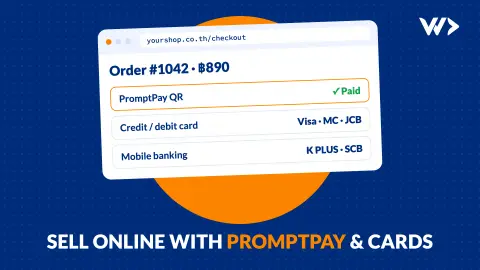
Selling Online in Thailand: Webshop, PromptPay and Card Payments (2026)
How to take PromptPay and card payments on your own webshop in Thailand: payment providers and fees compared, what you need, what it costs, and a real case.


